
Read and write
Read existing tags, check content and size, then write new links, text, contacts, Wi-Fi, or app links when needed.
pengpengtie.com
Easy to use, so more people can get started
Bring digital content into everyday life, one tap away
For iPhone, requires iOS 17.0 or later.
Features
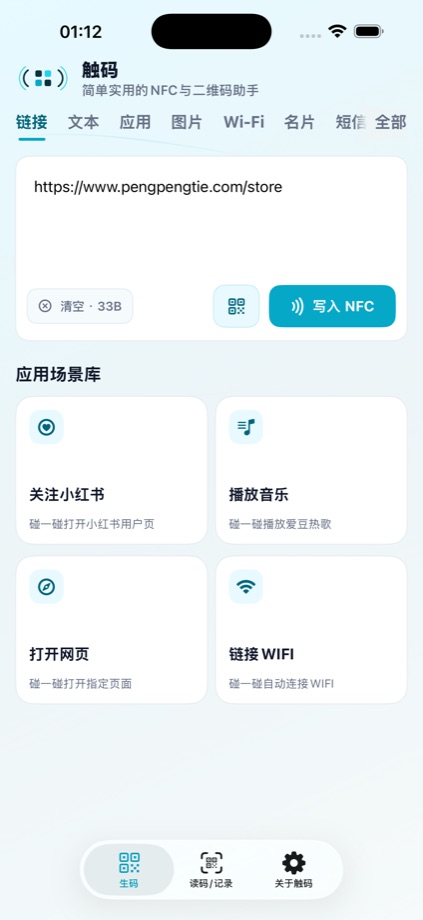
Start with a link or a short text, fill in the details, and review them before creating a QR code or writing to a compatible NFC tag. Save frequent content once to reuse it with less typing next time.
Read existing tags, check content and size, then write new links, text, contacts, Wi-Fi, or app links when needed.
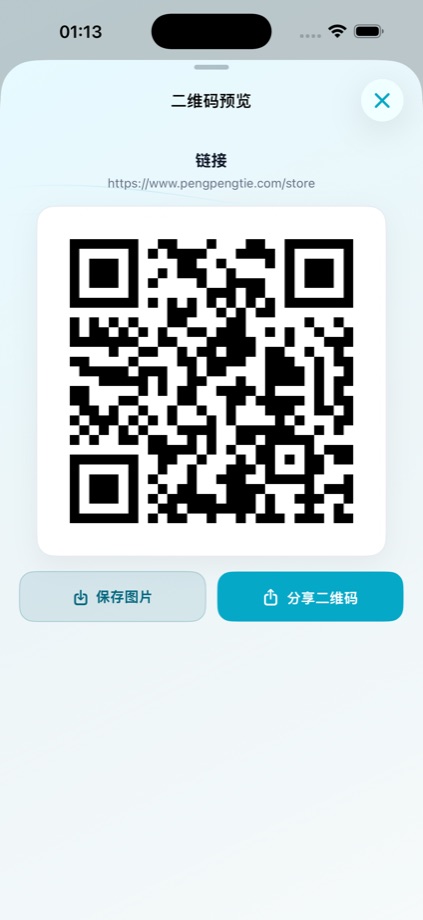
Turn the same content into a QR code. Scanned QR content can be edited, saved, or written from the home screen.
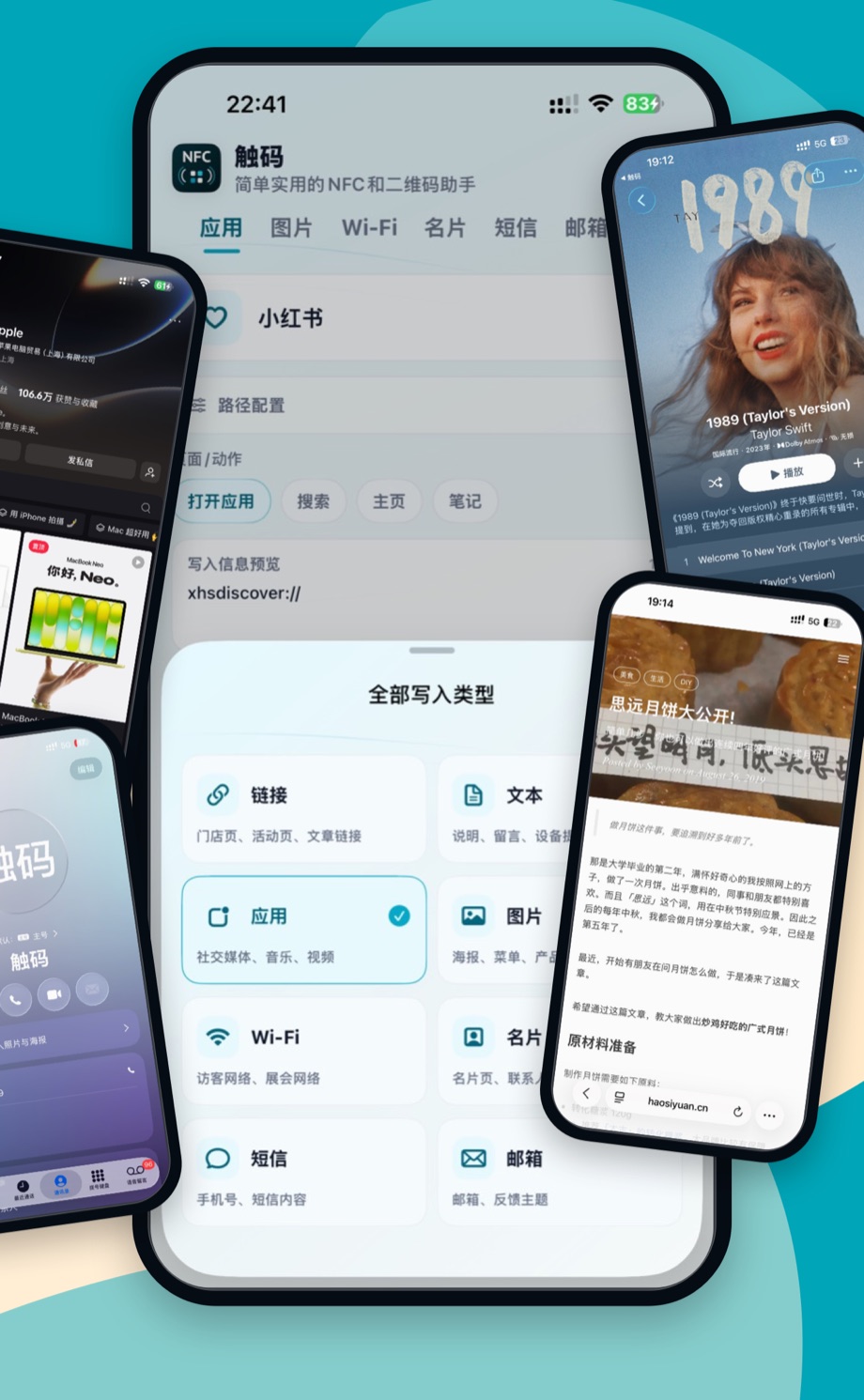
Paste a share link and TapCode will prepare a usable app path when supported, covering common social, video, music, and service cases.
Frequently used content stays on your device, ready to regenerate as a QR code or write to NFC again.
Use cases
From profiles, playlists, webpages, and event links to Wi-Fi details and contacts, TapCode suits a wide range of everyday sharing situations. Save common content and reuse it when needed, then scan a QR code or tap a tag with a compatible phone.
How Wi-Fi details and app links are handled depends on the phone system, installed apps, and tag content. A tap does not guarantee automatic network connection or access to every app page.
Guides
Pengpengtie (碰碰贴) is the term used on this site for physical NFC tap tags, stickers, and similar media. TapCode is the tool that prepares content and writes it to compatible tags. What a tap does depends on the tag content, phone system, and target app.
Choose a content type, add a link or some text, and review it before creating a QR code. To use an NFC sticker, write suitable content to a compatible tag. Reuse frequent content from history instead of entering it again each time.
Start with everyday content such as a webpage or text, without configuring a complex workflow first. Allow camera access when prompted to scan QR codes. Before writing NFC, check phone and tag compatibility and make sure the tag supports writable NDEF content.
QR codes work well on screens and paper for people to scan. Pengpengtie NFC stickers can stay in a familiar spot for a compatible phone to read nearby. Start with whichever is convenient, then create a QR code or write NFC when the content type supports it.
TapCode is designed for people trying NFC for the first time and for those who often share links, Wi-Fi details, contact information, or event pages. It suits a wide range of everyday sharing needs: start with a familiar link, review the content, then create a QR code or write it to a compatible NFC tag. Saved content can be reused when you need it.
Data and privacy
TapCode keeps core content on your device by default. Necessary information is sent only when you submit feedback or enable related features.
See the Privacy Policy and Terms of Use for the specific data scope.